Creating a home workspace that feels cozy and boosts your productivity can make a significant difference in your work-from-home experience. Whether you’re working remotely full-time or occasionally, having an area that supports focus and comfort helps improve your efficiency and overall well-being. Here are some practical tips to guide you in designing a home office that meets your needs.
Choose the Right Location
Consider Natural Light and Quiet
Start by selecting a spot in your home that receives ample natural light. Good lighting can reduce eye strain and elevate your mood, making it easier to stay alert throughout the day. Ideally, pick a location away from noisy areas or high-traffic zones to minimize distractions.
Make Use of Available Space
If you don’t have a dedicated room, look for nooks or corners that can be converted into a workspace. Under-stair areas, a section of the living room, or even part of your bedroom can serve as an effective workspace when organized well.
Invest in Comfortable Furniture
Choose an Ergonomic Chair
Comfort is key to maintaining focus and protecting your health. An ergonomic chair with proper lumbar support helps reduce back pain that can arise from long hours of sitting. Make sure your chair’s height aligns with your desk so your arms can rest comfortably.
Select a Desk that Works for You
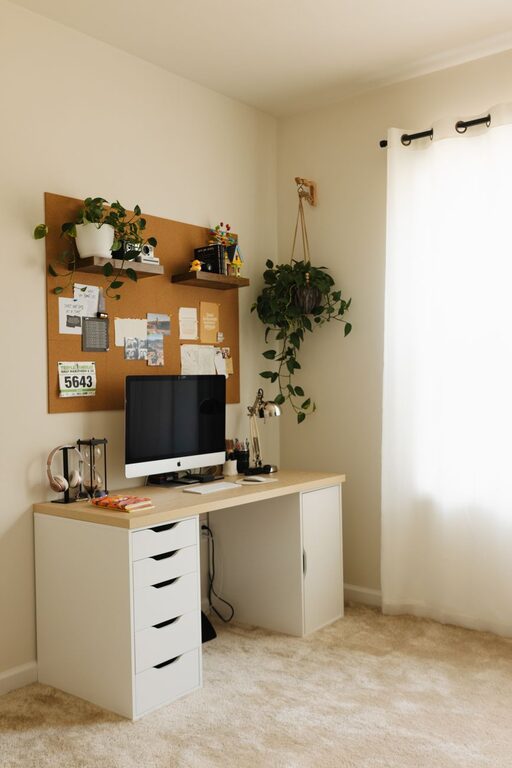
Pick a desk that suits your workflow. If you use multiple monitors or need extra space for papers and tools, choose a larger desk. Alternatively, compact desks fit smaller spaces and help keep clutter down.
Organize Your Workspace Efficiently
Declutter Regularly
A tidy workspace promotes clarity and reduces stress. Keep only essential items on your desk, and store additional supplies in drawers, shelves, or storage boxes.
Use Organizational Tools
Desk organizers, filing systems, and cable management solutions help keep everything in place and easy to access. Label your storage to find what you need quickly.
Add Personal and Cozy Touches
Include Plants and Greenery
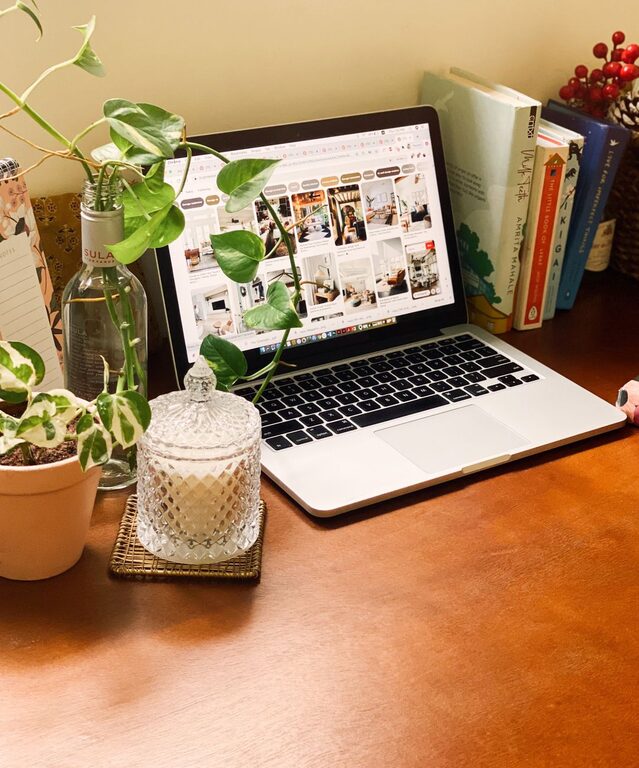
Plants improve air quality and add a touch of nature, making your workspace more inviting. Choose low-maintenance plants like succulents or snake plants if you don’t have a green thumb.
Use Soft Textiles and Warm Lighting
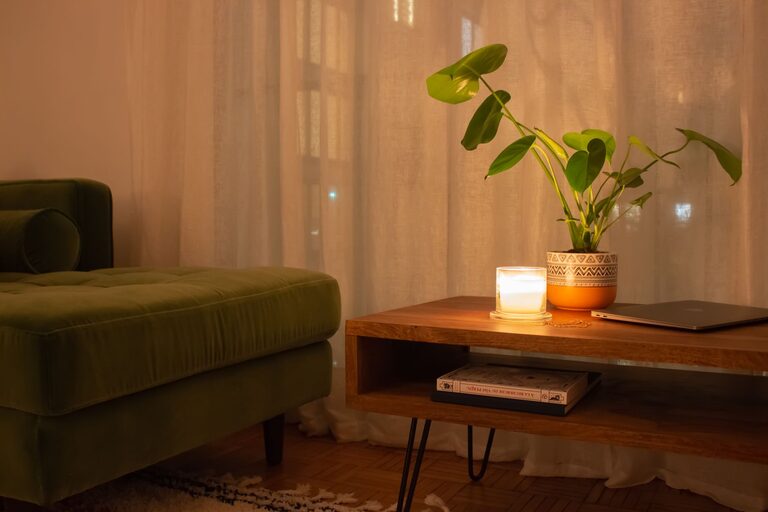
Throw pillows, blankets, or a cushioned chair pad can make your space feel more comfortable. Warm light bulbs or desk lamps create a soothing atmosphere that encourages longer periods of focus.
Minimize Distractions
Set Boundaries with Family or Roommates
If you share your living space, communicate your work hours and ask for quiet during those times. Use noise-cancelling headphones if background noise remains a challenge.
Limit Digital Interruptions
Turn off non-essential notifications on your phone or computer. Consider using focus apps or timers to help maintain attention on tasks.
Prioritize Good Tech Setup
Reliable Internet Connection
A strong and stable internet connection is vital for remote work, especially if you attend video calls or upload large files regularly.
Necessary Accessories
Invest in quality headphones, a comfortable keyboard, and an external monitor if needed. These tools can enhance comfort and efficiency.
Incorporate Break and Movement Options
Create Space for Stretching or Short Breaks
If possible, leave room near your workstation to stand, stretch, or do light exercises. Movement can reduce fatigue and refresh your mind.
Use Timers to Schedule Breaks
Set reminders to take short breaks every hour. This practice helps prevent burnout and keeps your productivity levels steady.
Personalize Your Workflow
Customize According to Your Needs
Some people work best with minimal distractions, while others prefer background music or white noise. Tailor your workspace environment to what helps you focus best.
Rotate Tasks to Keep Things Fresh
Changing tasks or adjusting your setup periodically can prevent monotony and keep creativity flowing.
—
Creating a cozy and productive home workspace takes some thought and planning, but the effort pays off with improved focus, comfort, and satisfaction in your work. Remember, the goal is to build a space that supports your work style and wellbeing every day. Start small, and adjust your workspace as you learn what works best for you.
About the Author