
Creating an organized and efficient home workspace is essential for staying productive and comfortable, whether you work remotely full-time or occasionally. A well-designed workspace can reduce distractions, improve focus, and make your workday more enjoyable. In this post, we’ll explore actionable tips to help you set up a home office that supports your best work.
1. Choose the Right Location
Selecting the right spot for your home workspace sets the foundation for productivity.
– Pick a quiet area: Ideally, find a space away from household noise or foot traffic.
– Consider natural light: Position your desk near a window to benefit from natural lighting, which boosts mood and energy.
– Think about space: Ensure there’s enough room for your desk, chair, and storage without feeling cramped.
2. Invest in Comfortable and Functional Furniture
Your furniture impacts your health and efficiency. Prioritize ergonomics to prevent strain.
– Ergonomic chair: Choose a chair that supports your lower back, promotes good posture, and has adjustable height.
– Proper desk height: Your desk should let you keep your wrists straight and elbows close to a 90-degree angle.
– Consider standing options: A sit-stand desk or desk converter lets you alternate between sitting and standing, which can increase comfort during long hours.
3. Declutter Regularly
A cluttered desk can distract your mind and make it harder to find what you need.
– Keep only essentials: Reduce items on your desk to the tools you use daily.
– Use storage solutions: Drawer organizers, shelves, and bins can keep papers and supplies tidy.
– Adopt a daily tidy-up: Spend a few minutes at the end of each workday clearing your workspace.
4. Organize Your Supplies Efficiently
How you store and arrange supplies affects workflow.
– Group similar items: Keep pens, notebooks, and devices in separate containers.
– Label storage: Clearly label boxes and drawers to quickly locate what you need.
– Use vertical space: Wall-mounted organizers and pegboards free up desk area while keeping supplies accessible.
5. Optimize Technology Setup
An efficient workspace depends on a smooth technology arrangement.
– Manage cables: Use cable clips, sleeves, or trays to reduce tangles and hazards.
– Position monitors properly: Place screens at eye level and about an arm’s length away to prevent neck strain.
– Invest in peripherals: A quality keyboard, mouse, and headset can improve comfort and productivity.
6. Personalize Your Workspace Thoughtfully
Personal touches can make your workspace inviting, but avoid adding distractions.
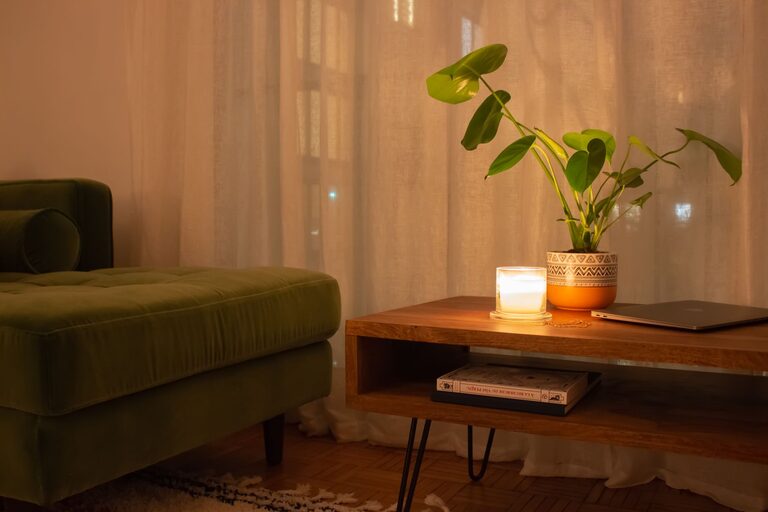
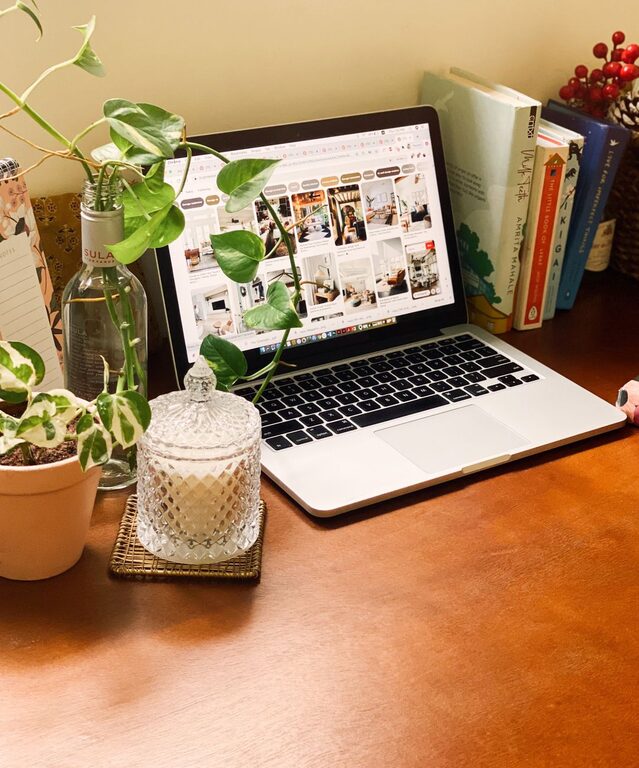
– Add greenery: Small plants boost mood and air quality.
– Incorporate art or photos: Choose calming images to inspire you.
– Use calming colors: Soft, neutral wall colors or desk accessories reduce visual distractions.
7. Manage Lighting for Comfort and Efficiency
Proper lighting reduces eye strain and improves work quality.
– Balance natural and artificial light: Use blinds or curtains to control glare.
– Use task lighting: A desk lamp with adjustable brightness helps during focused tasks.
– Consider color temperature: Warm light is relaxing; cool light can increase alertness during work hours.
8. Establish Boundaries and Routines
Maintaining boundaries helps separate work time from personal time.
– Set work hours: Define when you start and finish work to create structure.
– Use visual cues: A dedicated workspace signals to family or housemates when you’re working.
– Take breaks: Incorporate short breaks to rest your eyes and stretch to maintain comfort.
9. Keep Digital Files Organized
An organized physical space should be complemented by neat digital files.
– Use folders and naming conventions: Consistent file names help find documents quickly.
– Back up work regularly: Use cloud storage or external drives for safety.
– Use productivity apps: Tools for task management and note-taking can boost organization.
10. Regularly Review and Adjust
Your home workspace needs may evolve; remain flexible.
– Assess what works: Evaluate your setup periodically to identify pain points.
– Make small improvements: Adjust furniture layout, lighting, or storage as needed.
– Stay open to new tools: Explore new tech or methods that could enhance your workflow.
—
By thoughtfully designing your home workspace with these tips, you can create an environment that supports productivity, comfort, and well-being. Remember that the key is to tailor your space to your personal preferences and work habits, making it a place where you enjoy spending your time.
About the Author