Creating a productive workspace at home is essential for anyone who works remotely or spends a lot of time on projects at home. A well-organized home office can reduce distractions, improve focus, and help you manage your time more effectively. If you’ve been struggling to stay productive at home, small changes to your workspace might make a big difference. Here are some easy tips for organizing your home office to help you get the most out of your workday.
Choose the Right Location
Your home office should be in a quiet, comfortable spot where you can work without interruptions. If possible, select a room or a corner that is separate from heavy foot traffic areas. Natural light can improve mood and energy levels, so try to find a space near a window.
Consider your needs:
– Is the space big enough for your desk and storage?
– Can you sit comfortably for long periods?
– Is there enough lighting for reading and computer work?
Finding the right location is the first step towards an efficient workspace.
Declutter to Create Space
A cluttered desk can cause mental clutter, making it harder to concentrate. Regularly cleaning and organizing your office reduces distractions and saves time spent searching for materials.
How to declutter effectively:
- Sort your items into categories: keep, toss, donate, or store elsewhere.
- Use storage boxes or files for paperwork instead of piles.
- Don’t keep unnecessary supplies or equipment on your desk.
- Schedule a weekly or monthly clean-up to maintain order.
Decluttering creates a clean environment where you can focus better.
Invest in Functional Furniture
Ergonomic and functional furniture makes a big difference in comfort and productivity.
– Desk: Choose one with enough surface area to hold your computer, notebooks, and any tools you use frequently.
– Chair: Invest in an ergonomic chair that supports good posture.
– Shelving and Storage: Use shelves, filing cabinets, or drawers to keep supplies organized and within reach.
Keep your most-used items close by and store less frequently used things out of the way.
Use Organizers and Storage Solutions
Small organization tools can improve workflow and keep your desk tidy.
Consider these organizers:
– Drawer dividers: Keep pens, paper clips, and other small supplies sorted.
– File organizers: Separate paperwork by project, date, or priority.
– Cable management: Use clips or sleeves to avoid tangled cords.
– Desk trays: Designate zones for incoming and outgoing tasks.
Labeling organizers helps find what you need quickly and maintains order.
Create a System for Paperwork
Paperwork piles up quickly, so having a system is essential.
Steps for managing paperwork:
- **Sort papers daily or weekly** into categories like bills, correspondence, and work projects.
- **Use folders or binders** to keep paperwork organized.
- **Digitize documents** when possible to reduce physical clutter.
- **Set a routine** for reviewing and filing papers to avoid backlog.
Keeping control of paperwork minimizes stress and keeps your work flowing smoothly.
Optimize Lighting and Ambience
Good lighting is important for reducing eye strain and maintaining energy.
– Combine natural light with adjustable artificial lighting.
– Use task lighting like desk lamps for focused work.
– Choose warm or neutral light bulbs to create a comfortable atmosphere.
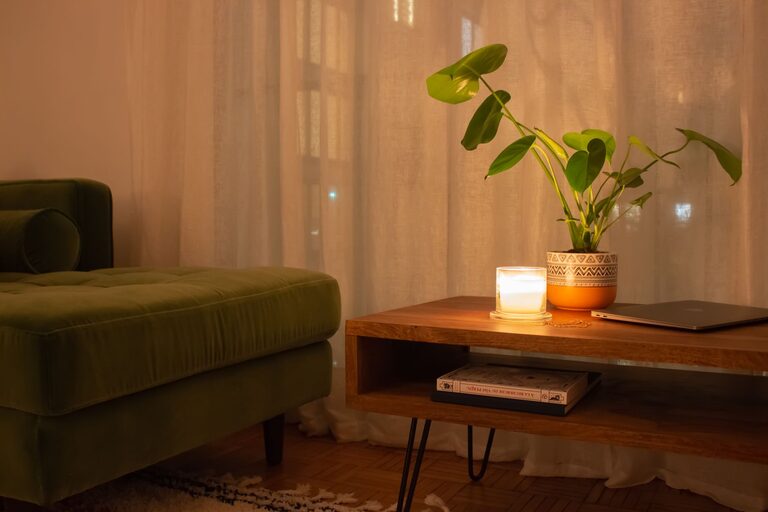
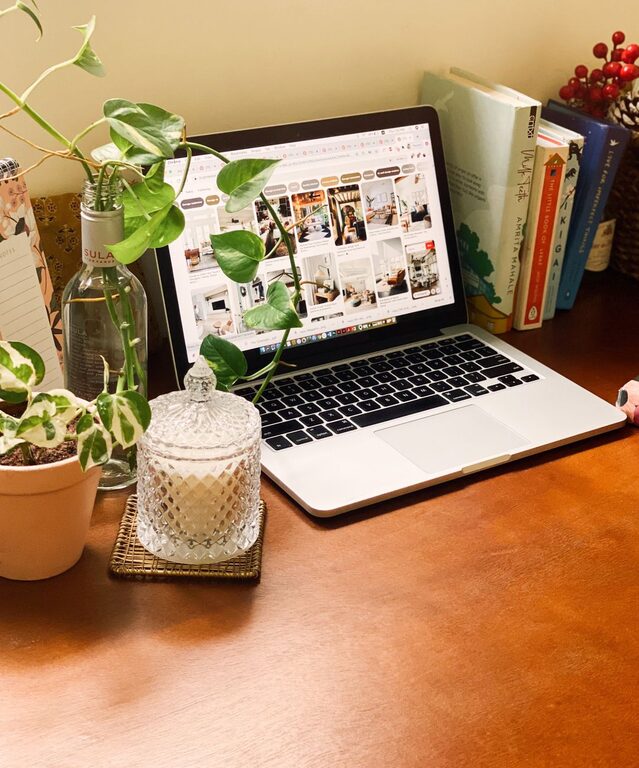
– Add plants or artwork to make the space inviting and energizing.
A welcoming and well-lit environment makes it easier to stay motivated throughout the day.
Set Boundaries and Zones
Defining different zones in your home office helps separate work tasks.
– Work zone: Your desk and computer area.
– Reference zone: Books, files, or materials you consult often.
– Supply zone: Items like stationery or office tools.
– Break zone: A place to relax or stretch, if space allows.
These zones create structure and reduce distractions by clearly organizing your activities.
Use Technology Wisely
Leverage technology to keep your workspace organized and your workflow smooth.
– Use digital calendars and to-do lists for planning.
– Opt for cloud storage to keep documents accessible and prevent paper clutter.
– Use productivity tools that help you manage tasks and deadlines.
– Minimize open tabs and desktop icons on your computer to stay focused.
Technology can help reduce manual clutter and keep you on track.
Personalize Without Overdoing It
Adding personal touches like photos, artwork, or favorite colors creates a comfortable space. However, avoid overdecorating, which can cause visual distraction.
A few meaningful items can boost motivation and make your office feel like your space.
Maintain Your Organized Space
Organization is an ongoing process. Set aside time regularly to tidy up and reassess your setup.
– Weekly quick cleans help prevent clutter from building up.
– Review and adjust your organization system as your work needs evolve.
– Celebrate small wins when you successfully stick to your organizing habits.
Consistency is key to keeping your home office productive and stress-free.
—
By following these easy tips, you can create a home office that supports your work goals and makes your day more productive. A well-organized space is the foundation of effective work — start with small changes today and see the difference it makes.
About the Author